Explanation of changing the declaration of a specific folder from cpanel

Explanation of changing the declaration of a specific folder from cpanel

Sometimes when installing a particular script, it requests a specific permission for one of the files or folders to be installed

In this lesson, we will explain how this is done:

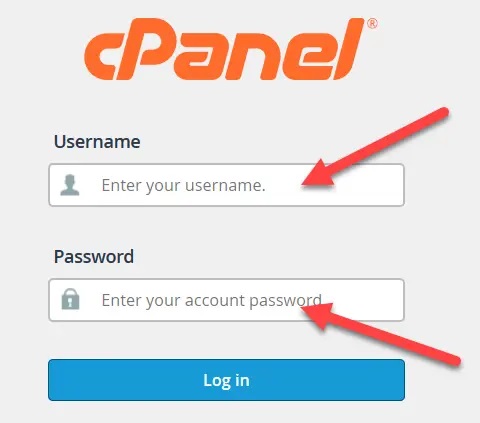
1- We are logged in to C-Penel https://name.com:2083

With name.com changing to your site name

Enter your username and password
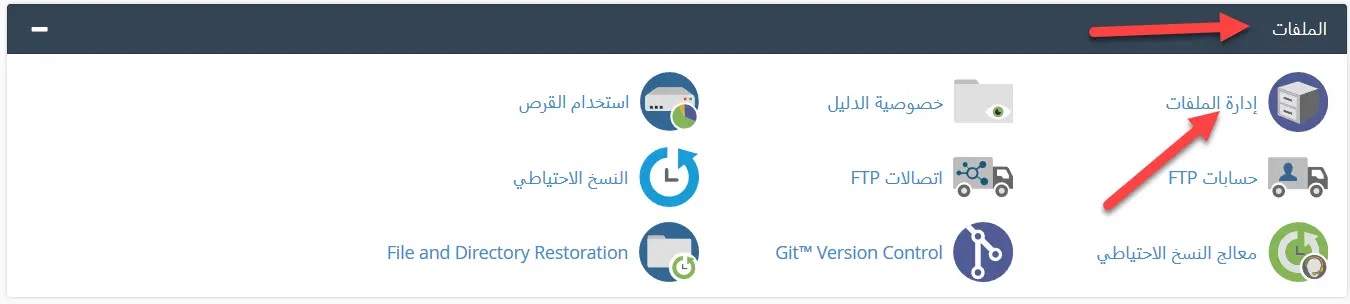
2- We go to the block called "Files" and we click on "File Management" as in the following image:
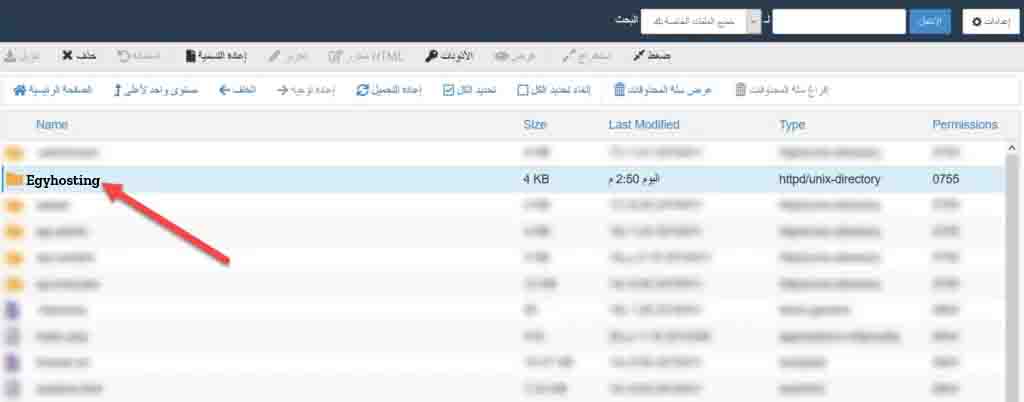
3- We define the folder or file for which we want to change the permission as shown in the pictures:
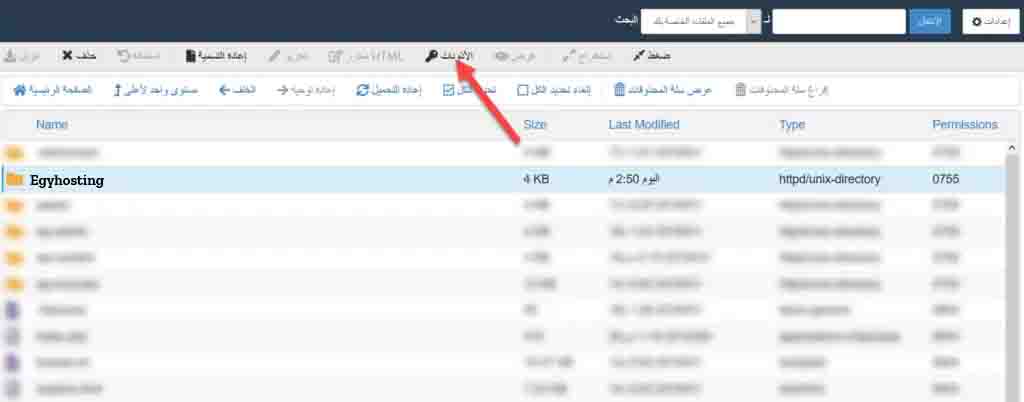
4- We click on “Permissions” above, as in the following pictures:
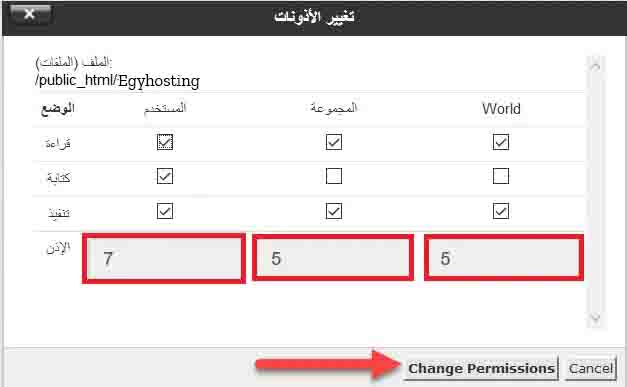
5- It will show us squares, write the statement we need inside the squares, then press “change permissions”
 

  • 3 Users Found This Useful
Was this answer helpful?

Related Articles

لماذا لا يمكنني الوصول إلى موقع الويب الخاص بي والسي بنل على موقعي المستضاف ؟

لماذا لا يمكنني الوصول في بعض الأحيان الموقع المستضاف معنا لا يمكن الوصول إليه ولا يوجد أي تحديث...

لماذا تصل اغلب الرسائل الي الرسائل المهملات على استضافة الموقع

لماذا تصل اغلب الرسائل الي الرسائل المهملات على استضافة الموقع الامر في اغلب الاحيان ليس له...

Server resource consumption What is it and what is its cause? What is the solution?

Server resource consumption What is it and what is its cause? What is the solution? First: What...

تجهيز نسخة إحتياطية كاملة للموقع عن طريق السي بنل

تجهيز نسخة إحتياطية كاملة للموقع عن طريق السي بنل يمكنك الحصول علي نسخة إحتياطية كاملة للموقع...

إصلاح قواعد البيانات من السي بنل cpanel

إصلاح قواعد البيانات من السي بنل cpanel يمكنك إستخدام خاصية إصلاح قاعدة البيانات من السي بنل...

